
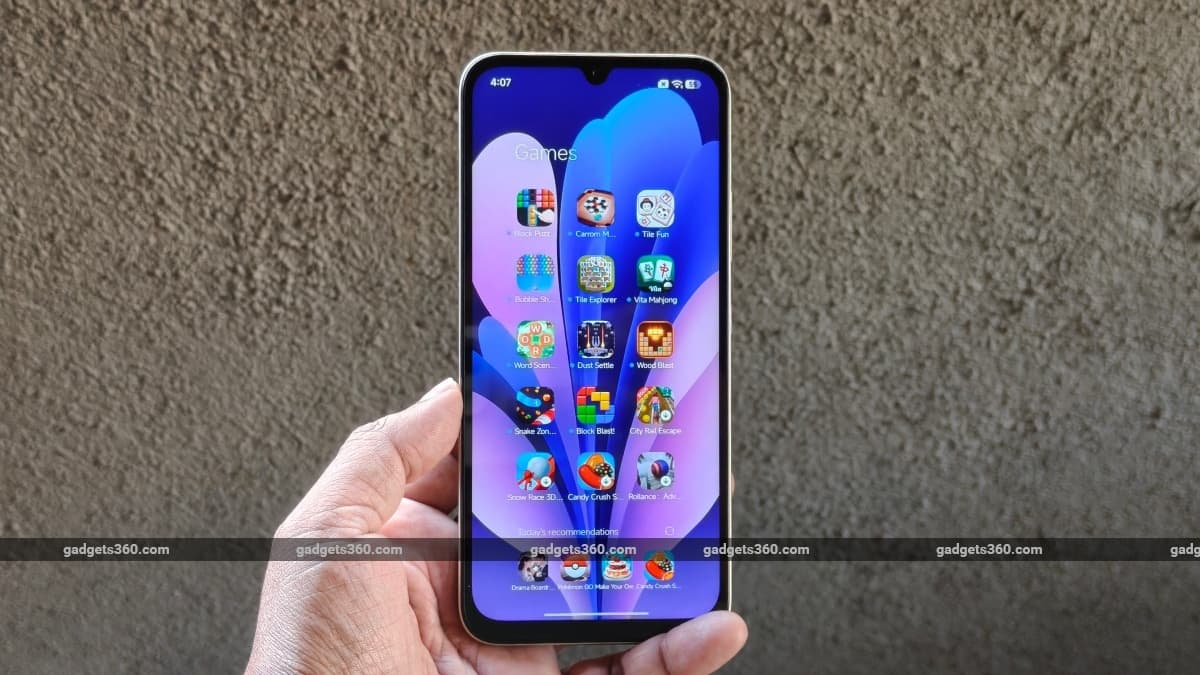
Many smartphone manufacturers include third-party preinstalled apps to manage hardware costs, which can clutter the user experience. Users can safely remove or disable most of these unnecessary applications on their new Android devices by following standard system settings to reclaim storage space and improve device performance.
How to Safely Remove Unwanted Preinstalled Android Apps
Reviewed by the Dhallo deskSource: Gadgets 360 - Latest
Original reporting
Gadgets 360 - Latest · gadgets360.com
Summarised by Dhallo News from Gadgets 360 - Latest's report, with its facts and figures checked against the original. Read the original for the full story.
Spotted an error in this story?