
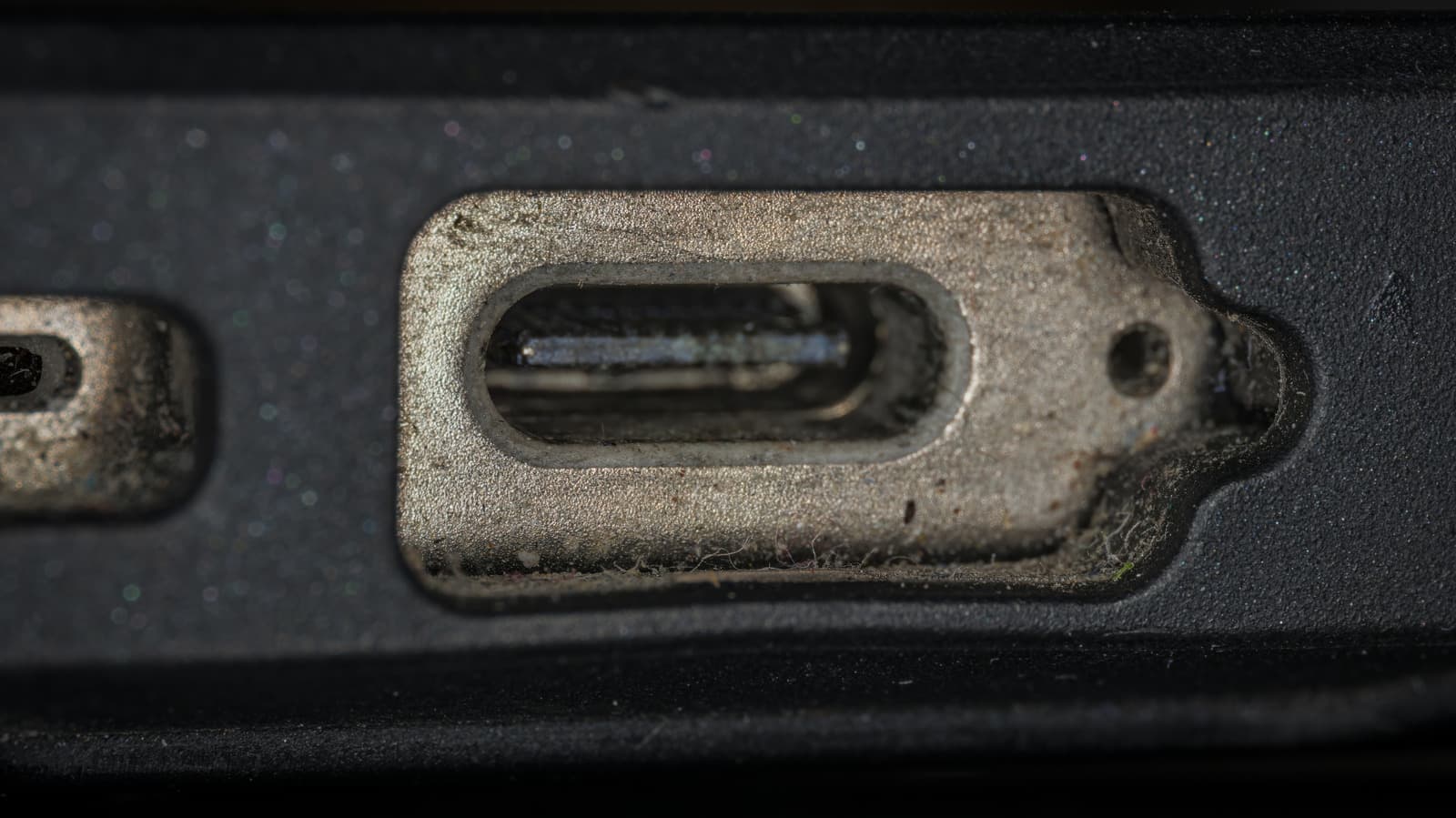
Users experiencing charging or connectivity issues with their devices can perform basic checks to determine if a USB-C port is damaged. The guide outlines common warning signs, such as loose connections or physical debris, and advises how to rule out faulty cables as the primary cause of the problem before seeking professional repair or replacement.
How to identify signs of a damaged USB-C port
Reviewed by the Dhallo deskSource: Engadget
Original reporting
Engadget · engadget.com
Summarised by Dhallo News from Engadget's report, with its facts and figures checked against the original. Read the original for the full story.
Spotted an error in this story?